Small Amplifiers for Desktop Listening: Big Sound in a Small Space
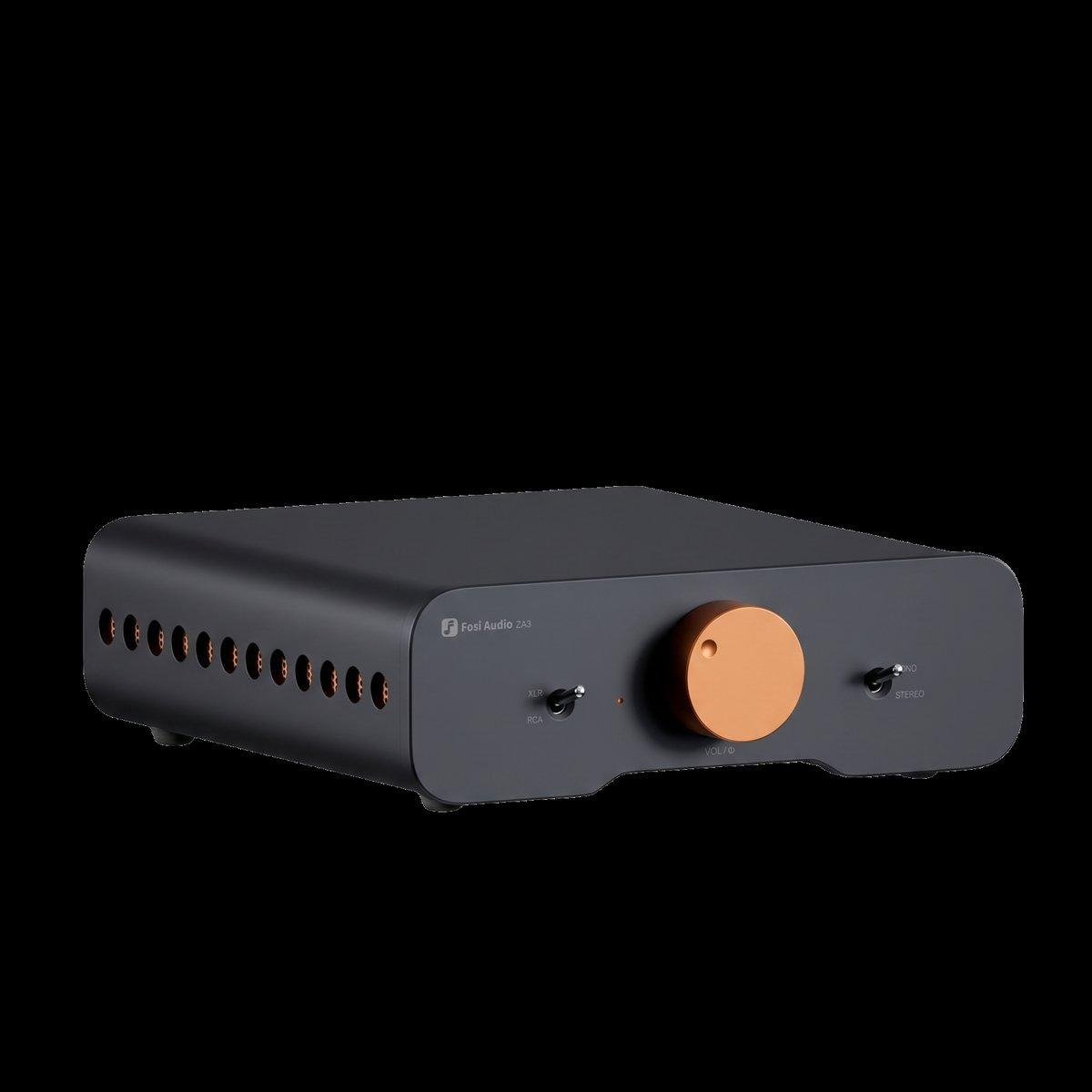
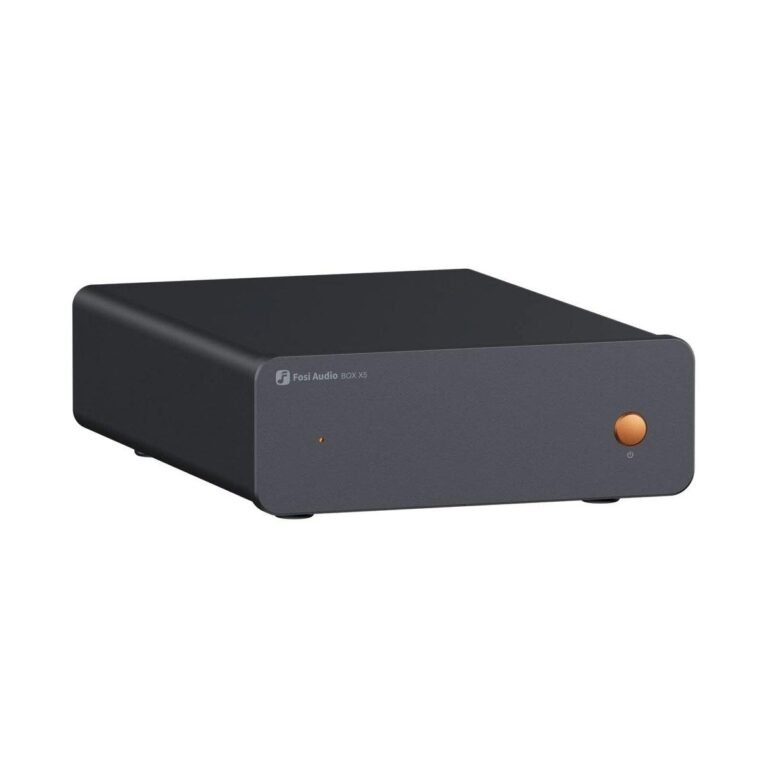
Not every listening space is a living room. For many people, the best sound in the house comes from a desk: a pair of small speakers, a compact amplifier and a laptop, filling a home office or bedroom with music while you work. A small amplifier is built for exactly this situation, and choosing the right one turns a desk into a genuine listening space.
Why Desktop Listening Is Different
Desktop listening is nearfield listening. You sit close to the speakers, often less than a metre away, so you need far less power than a living-room system. What matters instead is clarity at low volumes, a low noise floor and a size that fits on a desk without taking it over.
A small amplifier suits this perfectly. It delivers clean power at modest levels, runs cool, and sits neatly beside a monitor. The short distance between you and the speakers also means you hear more detail, so a good small amplifier can sound surprisingly refined.
What to Look For in a Small Amplifier
Start with the inputs. A desktop amplifier should connect easily to your computer, usually through a USB digital input or a standard analogue connection. Bluetooth is a useful extra for playing music from a phone, and a headphone output lets you listen privately without disturbing anyone nearby.
Power requirements are modest for nearfield listening, but headroom still matters: an amplifier with a little reserve sounds cleaner than one working at its limit. A subwoofer output is worth having if you might add a small subwoofer later, because it extends the bass without complicating the setup.
Choosing Speakers for the Desk
Desktop speakers should be compact, with a size that suits the space and a sound that works at close range. Small bookshelf speakers or dedicated desktop speakers are the usual choice. Check their sensitivity and impedance, just as you would for a larger system, and make sure the amplifier is a sensible match.
Placement matters more than size. Keep the speakers at ear height, angled slightly towards you, and give them a little space from the wall behind them. Even a few centimetres of breathing room can tighten the bass and open up the sound.
Keeping Noise Out of a Desktop System
A desk is a noisy electrical environment, with monitors, chargers and computers sharing the same space. A good small amplifier keeps its own noise floor low, so quiet passages stay silent instead of humming or hissing. Keep signal cables away from power cables where you can, and use the digital input from your computer when it is available, since that avoids some of the interference analogue connections can pick up.
5 Ways to Improve a Desktop Setup
- Raise the speakers to ear height with small stands or books.
- Angle the speakers slightly towards your listening position.
- Keep speaker cables short and tidy.
- Use a digital connection from your computer when possible.
- Add a small subwoofer later if you want deeper bass.
When a Small Amplifier Is Not Enough
A small amplifier is ideal for a desk, but it is not the answer for every room. If you want to fill a large living room, drive demanding speakers or run a home theater, a larger amplifier with more power is the right tool. The small amplifier’s strength is focus: it does one job, in one place, extremely well.
See also: Smart Cities: The Role of Technology in Urban Evolution
Upgrading a Desktop System Over Time
A desktop system is easy to upgrade in stages, which is part of its appeal. The usual order is speakers first, because they make the largest difference to the sound, then the amplifier, then the source. Each step brings a clear improvement, and nothing you already own becomes useless.
A small subwoofer is a popular later addition, adding depth to music and films without taking over the desk. Some listeners add a separate DAC next, which can sharpen detail from a computer source. Others simply enjoy the system as it is, which is a perfectly good outcome. The strength of a desktop setup is that it grows at your pace, one sensible step at a time.
If you do upgrade the amplifier later, keep the old one as a second system for another room. A small amplifier that once served a desk can serve a bedroom or a kitchen just as well, and it costs nothing to keep.
Frequently Asked Questions
How much power does a desktop amplifier need?
Very little, because you sit close to the speakers. Modest power with comfortable headroom is enough for nearfield listening, and it keeps the amplifier compact and cool.
Can I use a small amplifier with my television?
Yes, if it has the right input. An optical digital input connects most televisions directly, and the result is usually a large improvement over built-in television speakers.
Do I need a DAC for desktop listening?
Many small amplifiers include a digital-to-analogue converter already, so you can connect your computer by USB and listen straight away. A separate DAC is an optional upgrade, not a necessity.
Final Thoughts
A well-chosen small amplifier also encourages better listening habits, because music that sounds good is music you return to again and again. A small amplifier turns a desk into a listening room. With modest power, the right inputs and speakers placed with care, it delivers a level of sound that surprises anyone who expects a small box to sound small. For work, study or late-night listening, it is one of the most satisfying upgrades you can make to a space you already use every day, and it invites you to listen more often, with more attention.